
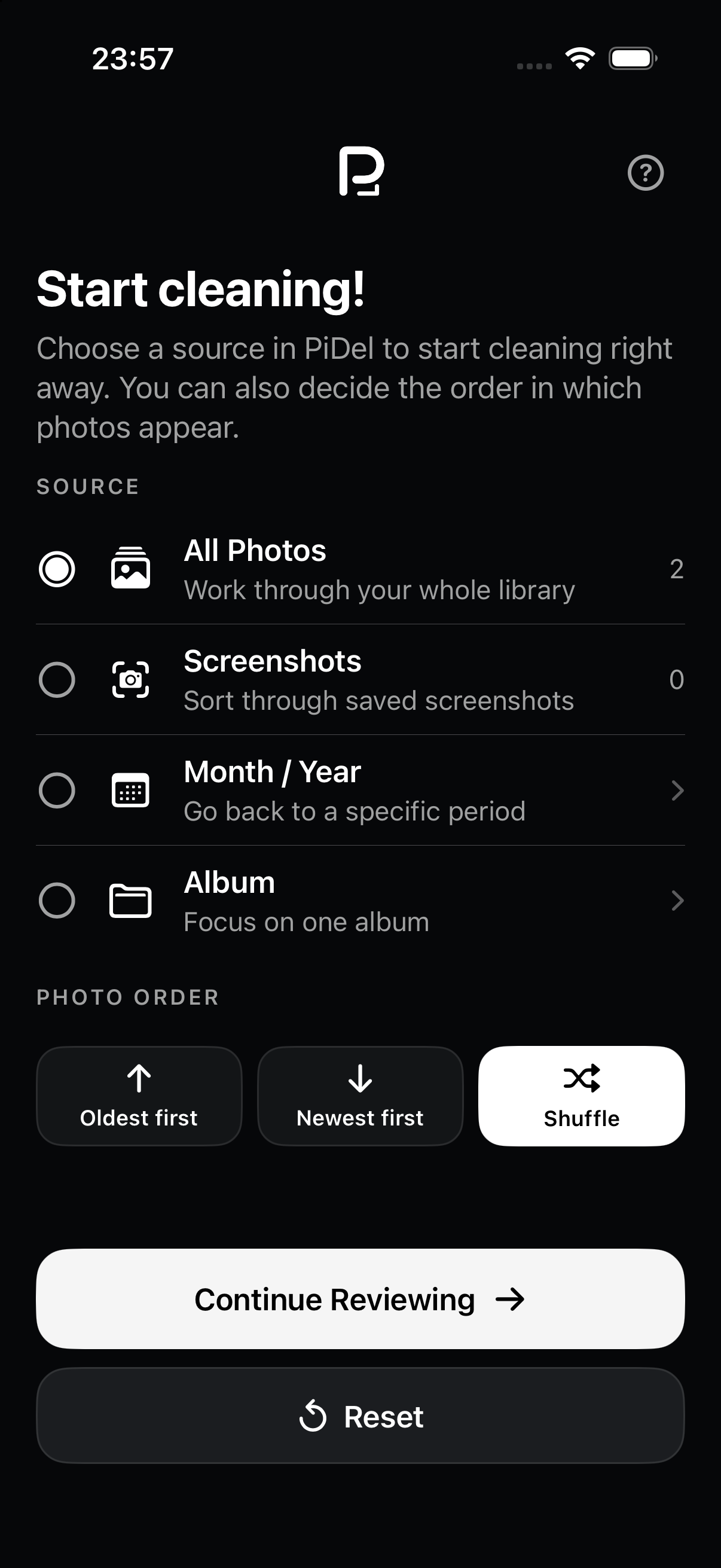
Start with the part of your library you actually want to clean.
Open your whole library, jump straight to screenshots, choose one album, or pick a month or year. You can begin with the oldest photos, the newest ones, or shuffle the order.
PicDecide shows the photos already on your device one by one. Swipe right to keep a photo and left to set it aside. When you’re ready, send the set-aside photos to Apple Photos for confirmation.
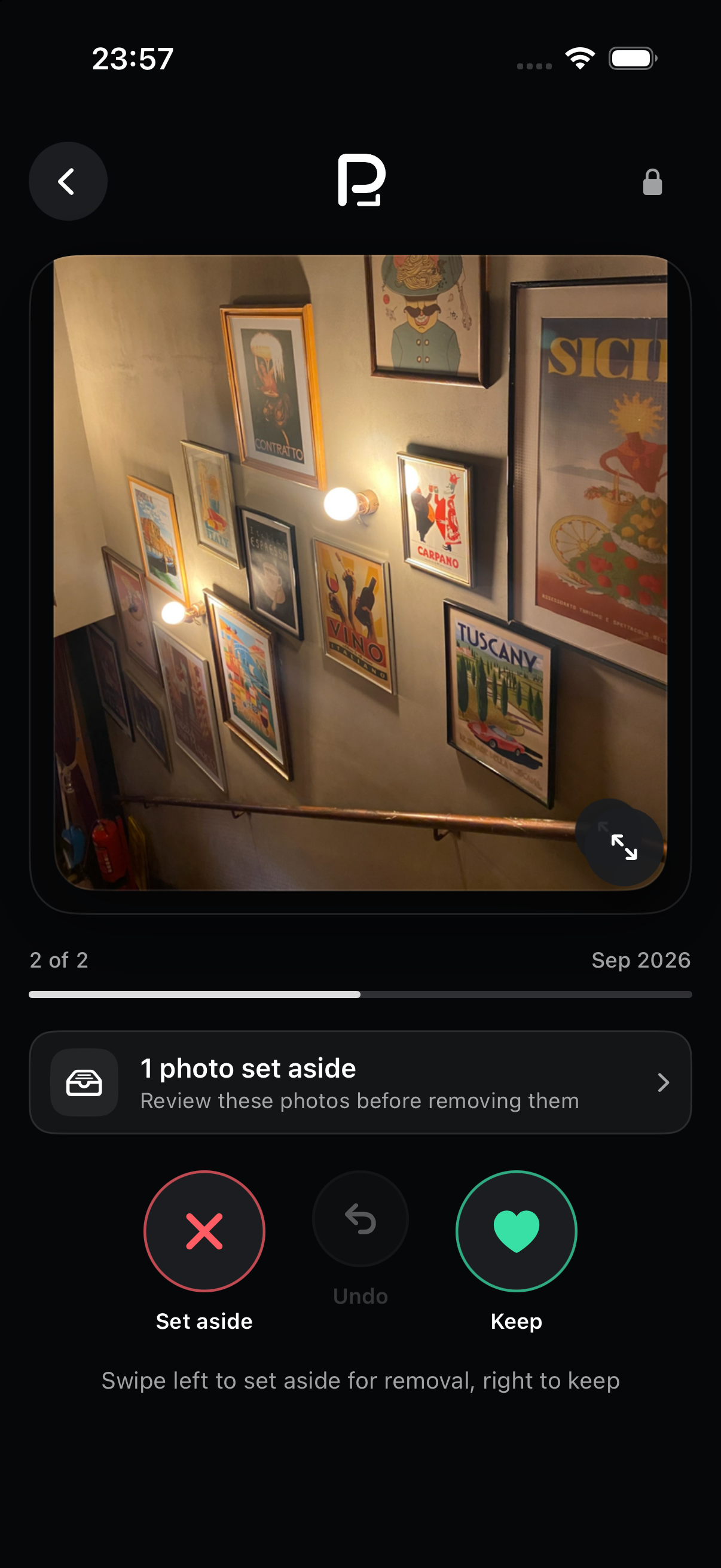
A few photos now. A whole album later. PicDecide keeps your place on this device, so there is no need to finish everything in one sitting.
Open your whole library, jump straight to screenshots, choose one album, or pick a month or year. You can begin with the oldest photos, the newest ones, or shuffle the order.
PicDecide remembers what you have already reviewed on this device. Send the photos you set aside to Apple Photos at any point, leave the app, and continue later without starting over.
Your progress stays here.
Reset it only when you want to review the same photos again.
PicDecide has no account, photo server, analytics, advertising, or tracking. The app works with the Photos library on your device. When you are ready to remove a batch, Apple Photos shows the system confirmation before anything is deleted.
Read the plain-language privacy policy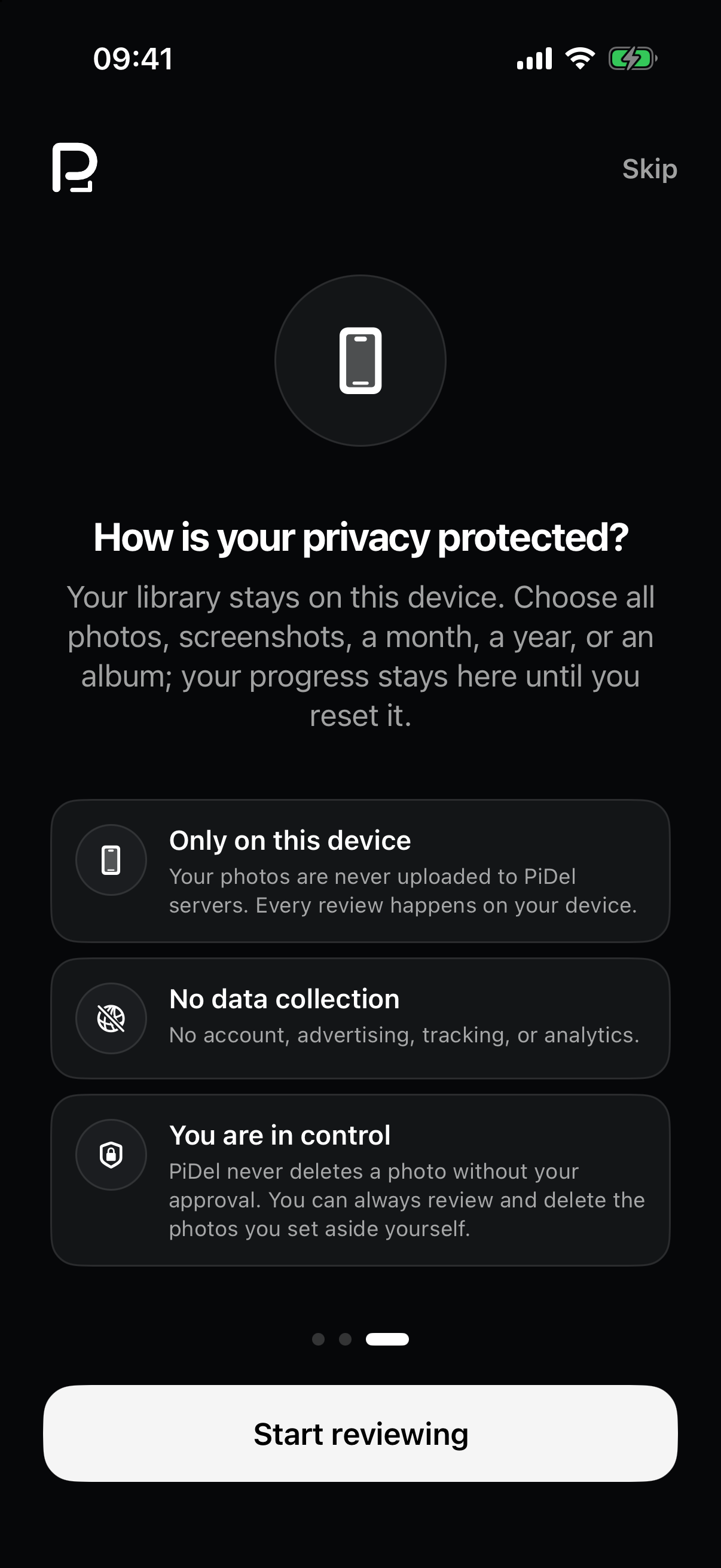
Get PicDecide for iPhone on the App Store.
Download on theApp Store